Fast and error-free lesson distribution for all schools. Meet the new generation of smart lesson scheduling.
🛡️ Protected by Google reCAPTCHA
Lesson Distribution System
ProSchool Desktop helps schools and educational institutions organize lesson schedules efficiently while reducing manual work and administrative errors.
Automatic lesson distribution with smart validation.
Reduce administrative workload.
Save time and improve accuracy.
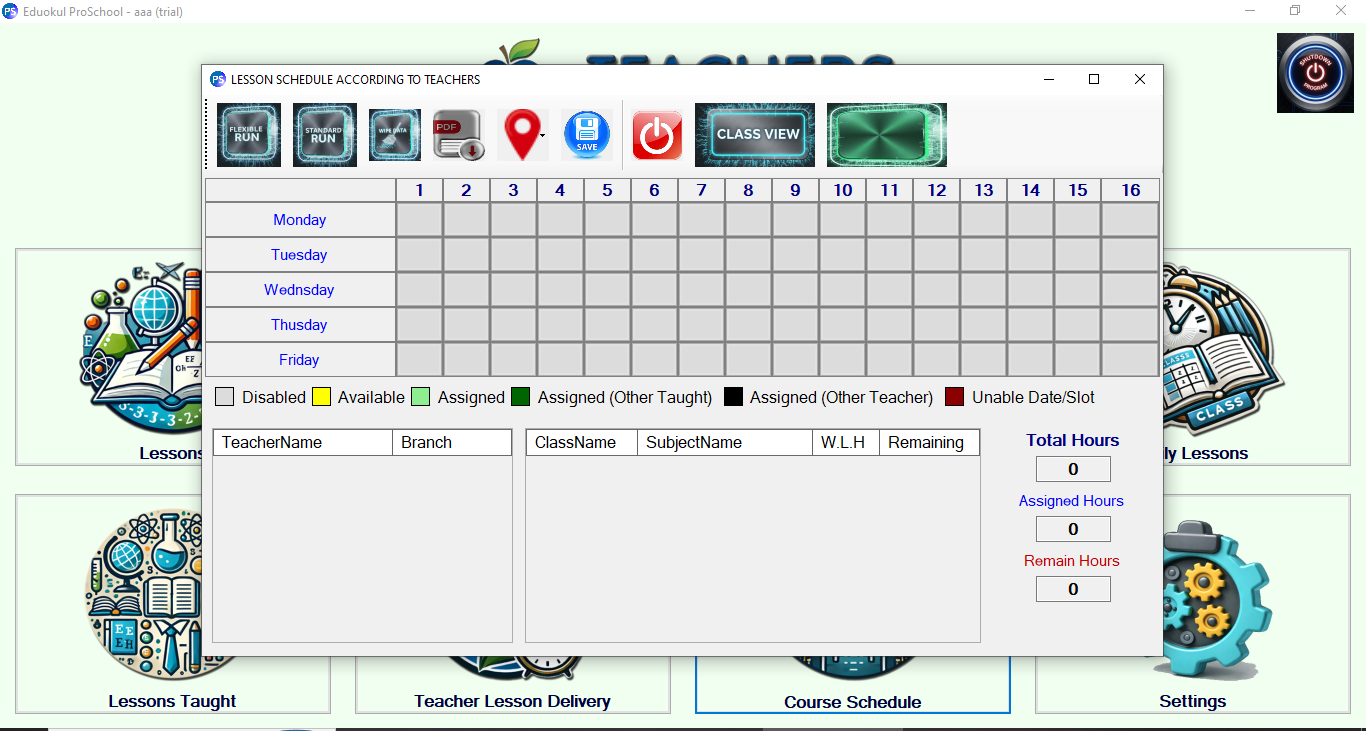
A quick overview of the professional software interface and its primary functionalities.
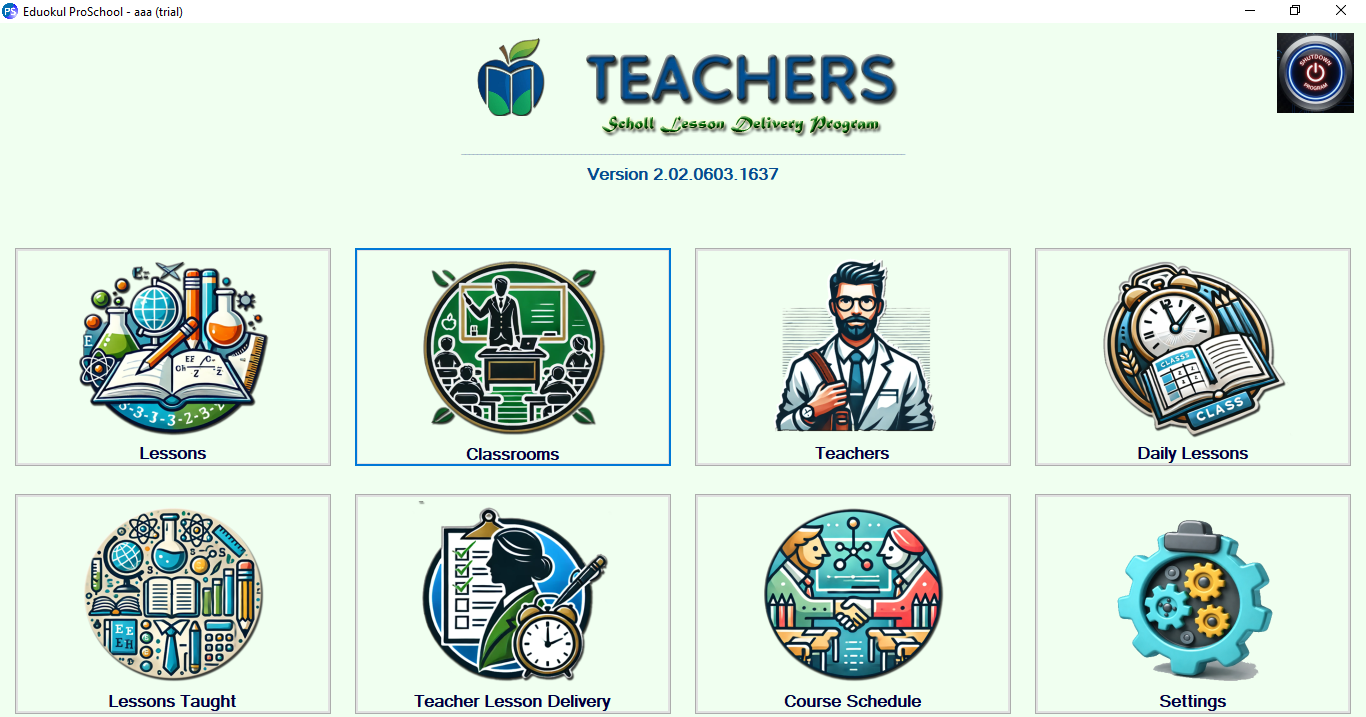
Follow these basic structured steps to initiate using the system.
Download the setup and securely install the core application on your workstation device.
Input individual classes, define working hours, constraints, and specific core faculty preferences.
Run the smart automated engine to distribute lessons and easily export or share reports instantly.
Explore the main screens and interface of ProSchool Desktop.
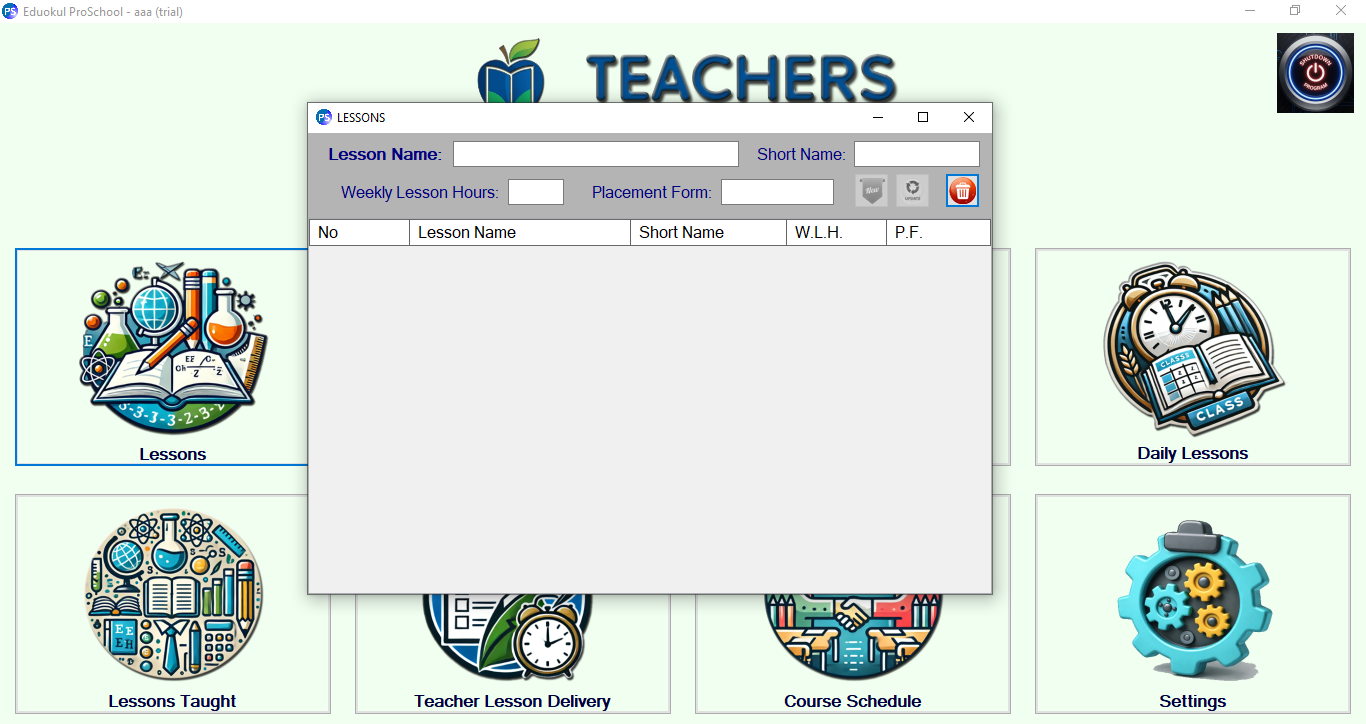
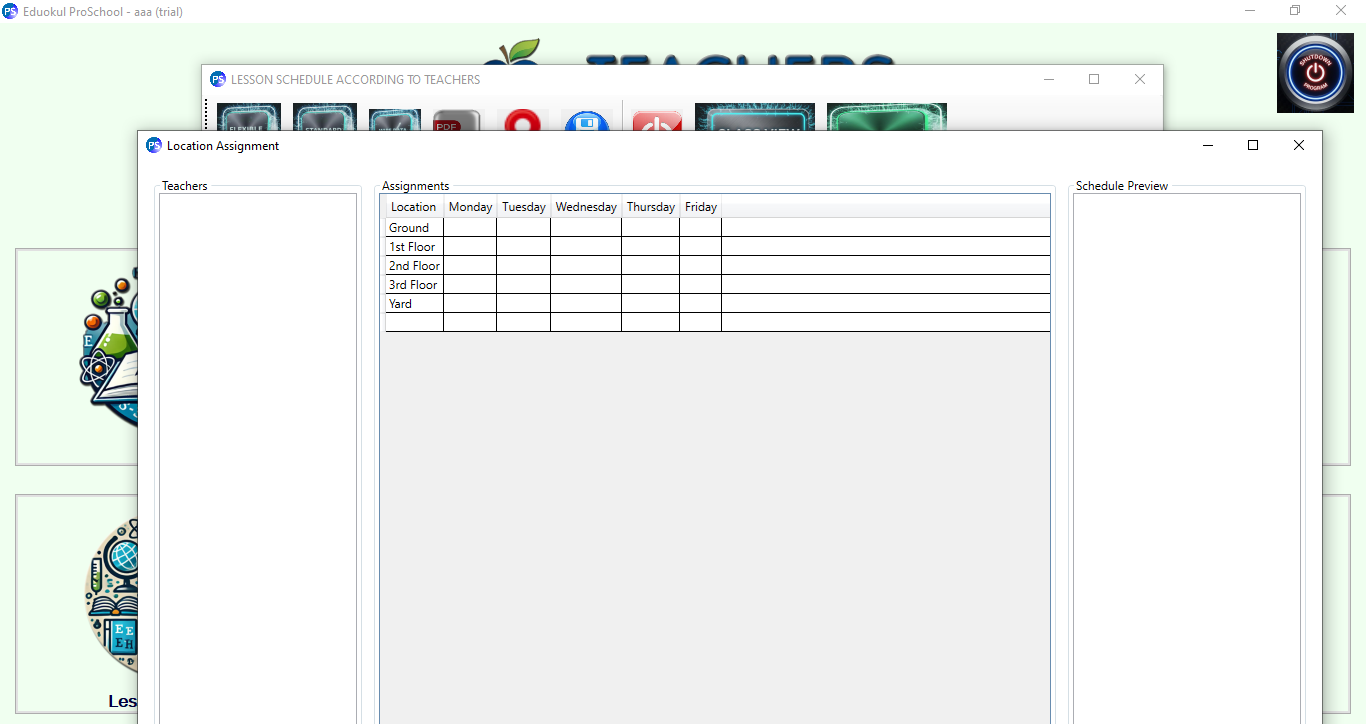
Enhanced table distribution algorithm limits.
Experience seamless, zero-error scheduling for your institutional layout. Download ProSchool Desktop setup and initialize running immediately.
🔒 Secured connection • Checked by reCAPTCHA v3
